 BULLSTAR
Following crypto signals by hand has one big weakness: you have to be there. A signal posted while you sleep, work or travel can hit its first target before you even open Telegram. That's the problem Cornix solves.
Cornix is an automated trading tool that reads signals from Telegram channels and places the trades on your own exchange account: the entry orders, the take-profit targets and the stop loss. This guide explains how it works, how to set it up safely, which settings matter most, and the mistakes that cost beginners money.
What Is Cornix?
Cornix is a crypto trading automation platform that works through a Telegram bot, a web dashboard and an app. Its best-known feature is signal automation: when a supported signal channel posts a trade, Cornix converts the message into real orders on your exchange, based on rules you set in advance.
Besides signal bots, Cornix also offers other tools such as DCA bots, grid bots, TradingView alert automation, demo accounts and backtesting. In this guide we focus on what most signal followers use it for: auto-trading Telegram signals.
Two things are important to understand from the start:
- Your money stays on your exchange. Cornix connects through API keys and places orders on your account. It doesn't hold your funds.
- Cornix is only as good as the signals. Automation executes faster and more consistently than a human, but it can't turn bad signals into good ones.
How Cornix Auto-Trading Works
The flow is simple once it's set up:
- A signal channel that is integrated with Cornix posts a signal, for example a long on a coin with an entry zone, targets and a stop loss.
- Cornix reads the signal and checks it against your configuration for that channel.
- It places the orders on your exchange account using the amount, leverage and rules you chose.
- As price moves, Cornix manages the trade: it takes profit at the targets, follows any updates from the channel and closes the trade at the stop loss if the setup fails.
You can choose full auto-trading, where every signal from a channel is followed automatically, or follow signals one by one with a single tap. Many traders start with the second option until they trust their settings.
Step 1: Create Your Cornix Account
Sign up on the Cornix website or start the official Cornix bot in Telegram. Make sure you are using the official bot and website, and never trust anyone who contacts you in private messages claiming to be Cornix support. Scammers copy popular tools.
Cornix works on a subscription model, with plans that differ mainly in how many channels you can auto-trade and how many trades can be open at once. Check the official site for current plans and pricing before you choose.
Step 2: Connect Your Exchange With API Keys
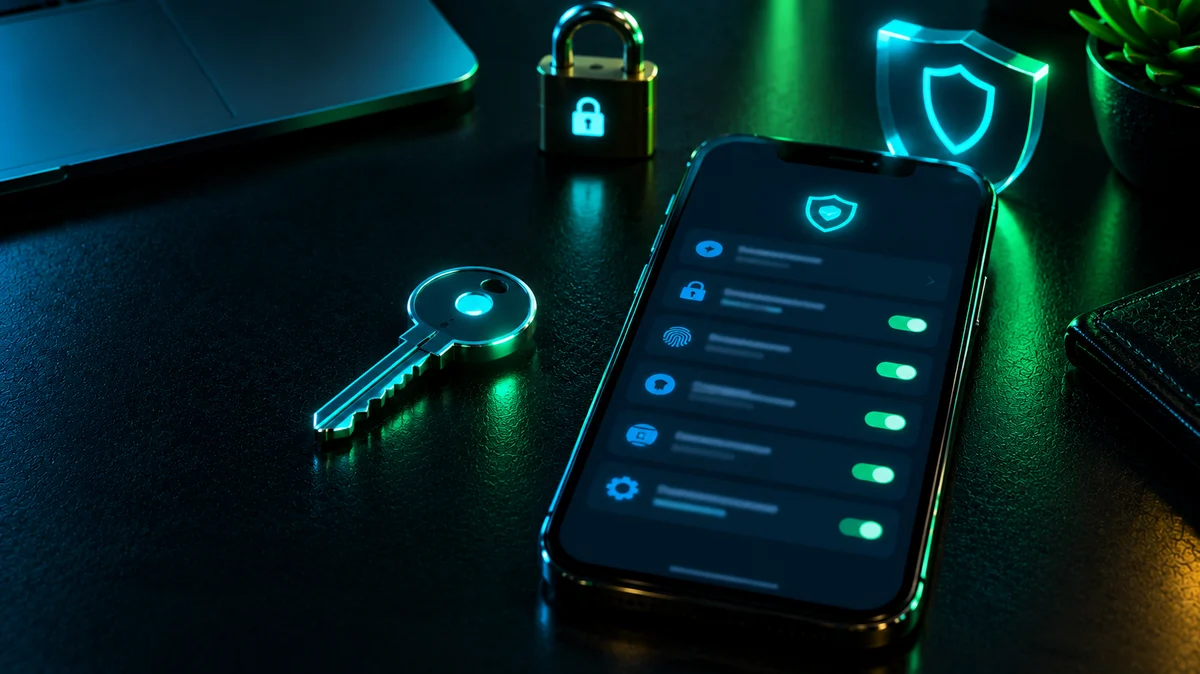
To place trades for you, Cornix needs API keys from your exchange account. This is the most important step for your security:
- Enable trading permissions only. If you trade futures, enable futures trading on the key.
- Never enable withdrawals. No trading tool needs permission to withdraw your funds.
- Use IP restriction if your exchange offers it. Restricting the key to the trading tool's IP addresses makes a stolen key useless to anyone else.
- Create a dedicated key just for Cornix, so you can delete it at any time without affecting anything else.
- Never share your API secret with anyone, including people who say they will "set it up for you".
Cornix supports major exchanges such as Binance and Bybit. If you haven't picked an exchange yet, read our exchange comparison for signal trading.
Step 3: Add the Signal Channel You Want to Follow
Only channels that are integrated with Cornix can be auto-traded, because Cornix needs to read their signals in a format it understands. Inside Cornix, find the channel, add it to your followed channels and open its configuration.
Many signal providers are official Cornix partners, which means their signal format is already set up and their results can be tracked inside Cornix.
Step 4: Configure the Settings That Matter
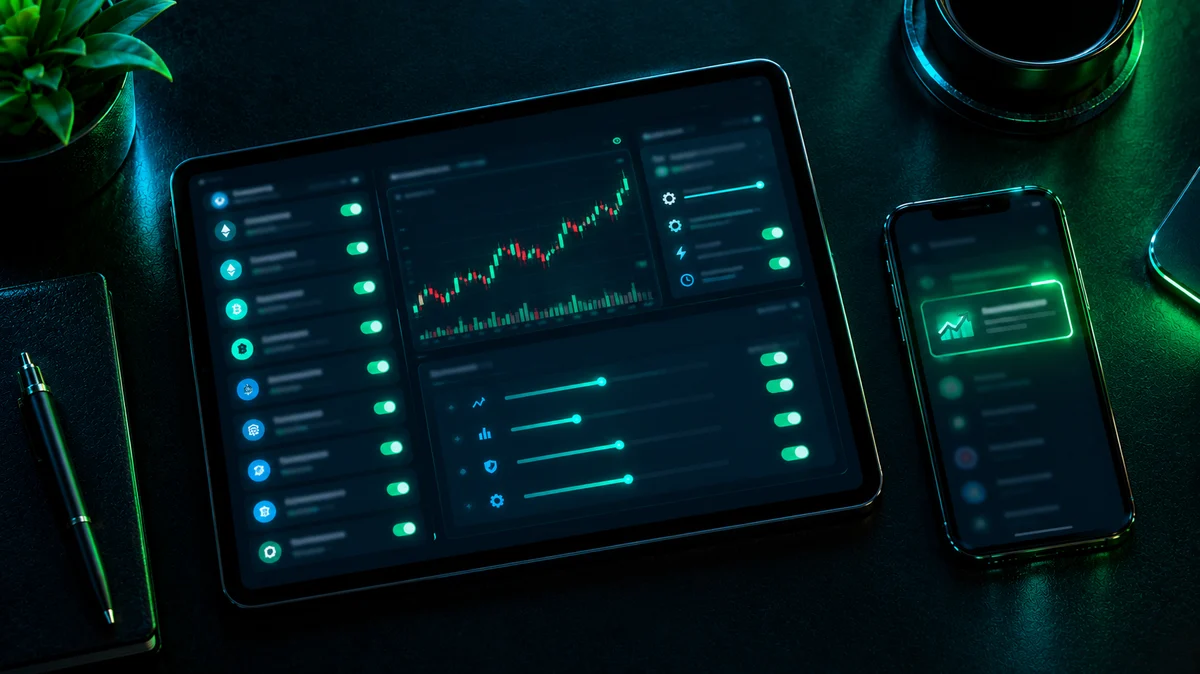
This is where most results are won or lost. Cornix has many options, but these are the ones to get right first:
- Trade amount: a fixed amount or a percentage of your balance per trade. Keep it small, especially at the beginning. Many traders size positions so a stop loss costs them around 1% to 2% of their account.
- Leverage: you can use the leverage in the signal or set your own maximum. Lower leverage gives your account more room to survive losing streaks.
- Margin mode: choose isolated margin, so one bad trade can't drain your whole futures balance. We explain why in the stop loss secret behind high win rates.
- Entry strategy: how your position is split across the entry zone. Splitting orders across the zone usually gives a better average price than buying everything at once.
- Take-profit strategy: how much of the position closes at each target. Taking partial profits at the first targets locks in gains early.
- Stop loss management: keep the signal's stop loss, and consider a rule that moves the stop loss to your entry after the first target is hit, so a winning trade can't turn into a loss.
- Maximum open trades: limit how many trades can be open at the same time, so a volatile day doesn't put your whole balance at risk.
Step 5: Test on a Demo Account First
Cornix offers demo accounts, so you can run your exact settings with virtual funds before risking real money. Let it run for a week or two and check:
- Are trades opening at the right size?
- Do the targets and stop losses match the signals?
- Would the results be acceptable with real money?
Only switch to a real account once everything behaves as you expect, and start with a smaller amount than you plan to use long term.
Cornix Pros and Cons
Pros
- Signals are followed instantly, 24/7, even while you sleep
- No more late entries or forgotten stop losses
- Consistent position sizing and rules on every trade
- Emotions are removed from the execution
- Your funds stay on your own exchange account
Cons
- It's a paid tool, so the cost needs to make sense for your account size
- Bad settings are executed just as fast as good ones
- Results still depend fully on the quality of the signal provider
- It requires some time to learn the configuration properly
Common Cornix Mistakes to Avoid
- Enabling withdrawals on the API key. Never needed, and a serious security risk.
- Using too much of the balance per trade. A few stop losses in a row can then do real damage.
- Following too many channels at once. Different providers can open conflicting or overlapping trades on the same coin.
- Cross margin with high leverage. One trade can pull from your entire balance.
- Skipping the demo phase. A wrong setting is much cheaper to discover with virtual money.
- Setting it and forgetting it. Check your trades and Cornix notifications regularly. Automation still needs supervision.
Auto-Trading Bullstar Signals With Cornix
Bullstar Signals is a Cornix partner, so our VIP signals are formatted to be followed automatically: entry zone, targets and stop loss are placed the moment a signal is posted. Every closed VIP signal is also listed in our public track record. You can follow the same signals manually if you prefer. Learn more about what VIP includes in our VIP crypto signals guide.
Frequently Asked Questions
Is Cornix safe?
Cornix connects through API keys and does not hold your funds. Your safety depends a lot on how you set it up: use trading-only keys, never enable withdrawals, use IP restriction where available and only use the official Cornix bot and website.
Is Cornix free?
Cornix is a paid service with different subscription plans. Check the official website for current pricing and any trial options.
Can Cornix trade any Telegram channel?
No. Auto-trading works with channels that are integrated with Cornix, because their signals need to be in a format Cornix can read.
Does Cornix guarantee profits?
No tool can. Cornix executes signals faster and more consistently, but profits and losses still depend on the signals you follow and the risk settings you choose.
Can I use Cornix for spot and futures?
Yes, Cornix supports both on supported exchanges, as long as your API key has the right permissions for the market you trade. If you're unsure which one fits you, read spot vs futures for signal trading.
What happens if Cornix misses a signal?
It can happen, for example when the price has already moved past the entry zone, the balance is too low or a limit in your settings is reached. Cornix shows notifications explaining why a trade wasn't opened, so check them regularly.
Final Thoughts
Cornix removes the hardest part of following signals: being there at the right moment. Set it up with trading-only API keys, small position sizes, isolated margin and a demo test first, and it becomes a reliable way to follow signals without living on your phone.
Just remember that automation amplifies your choices. Pick a transparent signal provider, keep your risk small, and check your trades regularly. For the full risk framework, read our 5 risk management rules for signal followers.